Dementia

Care Giving

Watch This

Tips Alzheimer’s gov
Alzheimer’s Association
CareBlazers YouTube

Communication:

Tip 1

Gentle
Non-combative
Receptive
Listening
Directness (avoid sarcasm or playfulness most of the time, especially if he is struggling)

Caregiver Selfcare

Having to confine conversations leads to a lack of satisfaction in conversations. You need someone to talk to, possibly even to just vent. Talk therapy can be helpful.
Loss of spousal support over time can cause grief even without you noticing. You may need coping skills. humans need to communicate with there tribe. They need physical connection to others.
Spa day, manicure, hair stylist, an activity with a close friend, gossiping with someone you trust.

Treatment

Sleep

  • Conduct sleep study.
  • Wake near or after sunrise. Walk or other cardio outside in sun 30 minutes or more. Barefoot optional. After breakfast if breakfast is in the morning.
  • Low carb after lunch.
  • After 6PM no food. Walk outside barefoot. (Optional but recommend trying)
  • 1 hour or more before sleep… Reduce blue light exposure. Avoid stressful or exciting thoughts and activities. 200mg Theanine.
  • Theanine can reduce focus and mental concentration. It reduces cortisol.

Stem Cell Therapy

There is a lot to chew on here, but there may be something promising

Therapeutic Plasma Exchange

Maxwell Clinic Nashville

Legal

Power of attorney Medical/Financial
Conservatorship
Medical directive / Living Will
Will
Financial planning – Trusts.

Further Documents

7 Stages
3 Stages

Studies:
Perspective: Is therapeutic plasma exchange a viable option for treating Alzheimer’s disease?
How to use Bluetooth (BT) keyboard

Video Tutorial

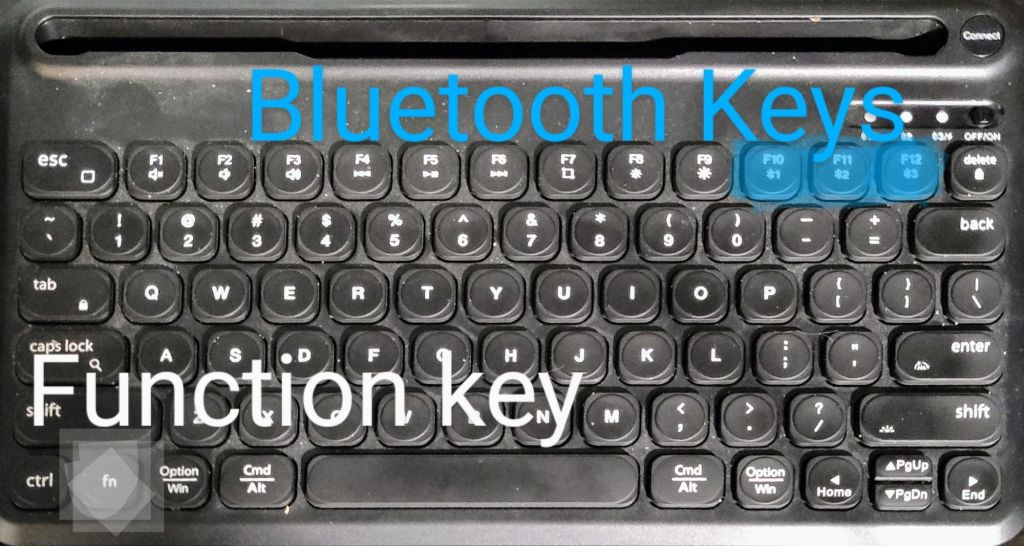
Hold down the function key while pressing the Bluetooth device number you want to use, or program.

Keys Highlighted

Press the connect button on the upper right to pair with device/computer. The appropriate light will flash blue.

Enter the Bluetooth device menu in the settings of your device/computer to complete pairing.

The third light will flash red when low on power. Charge with USB-C cable. The backlight for the keyboard will not function while charging, but the keyboard works normally otherwise.

The F1-F12 keys may not have the defaults you expect. Use the function key (fn) to use the alternate function.

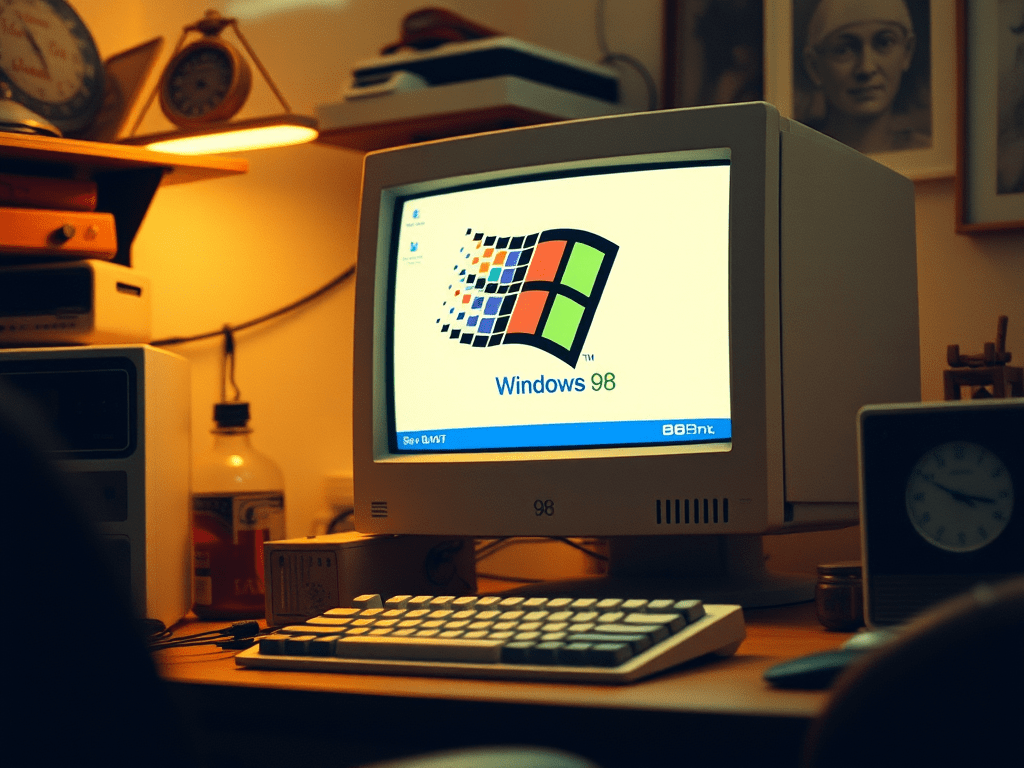
Best Methods to Run Windows 98: VM vs Emulation vs Hardware

I have used Windows 98 in all the ways mentioned. Which method is best for you, depends on your situation.

Virtual Machine

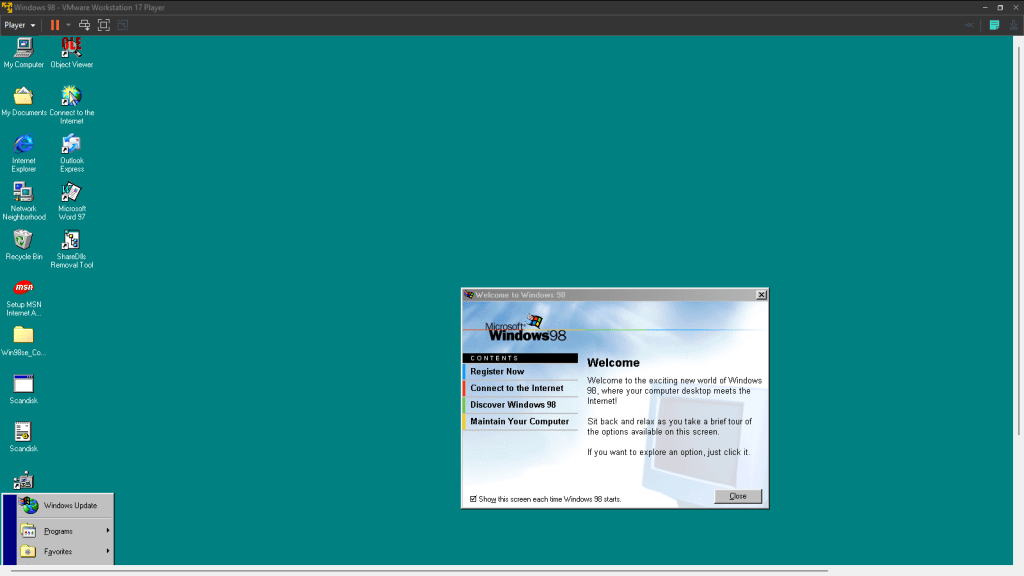
Windows 98 running poorly on VMWare Workstation 17 Player

To my knowledge no virtual machine runs Windows 98 or Windows 95 well, without emulation. It can be done, however. VM Ware and Virtualbox seem to be the most attempted.

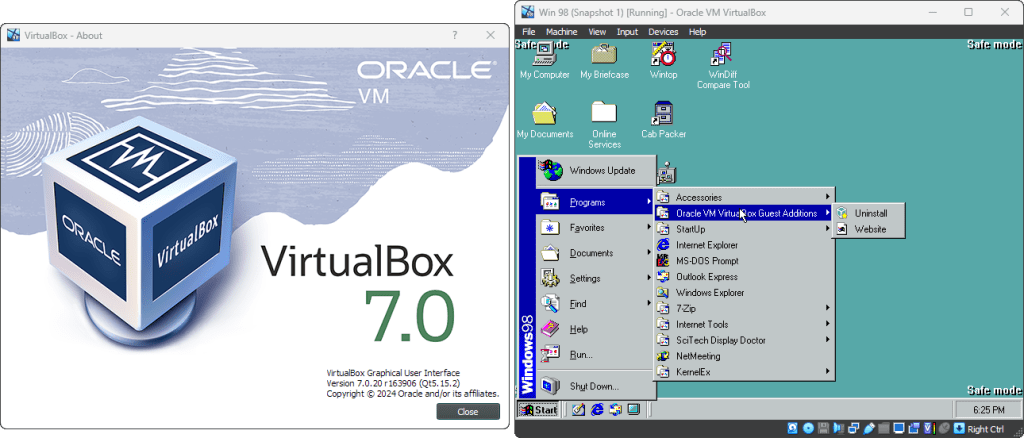
Windows 98 running in safe mode on Virtualbox 7.0.20

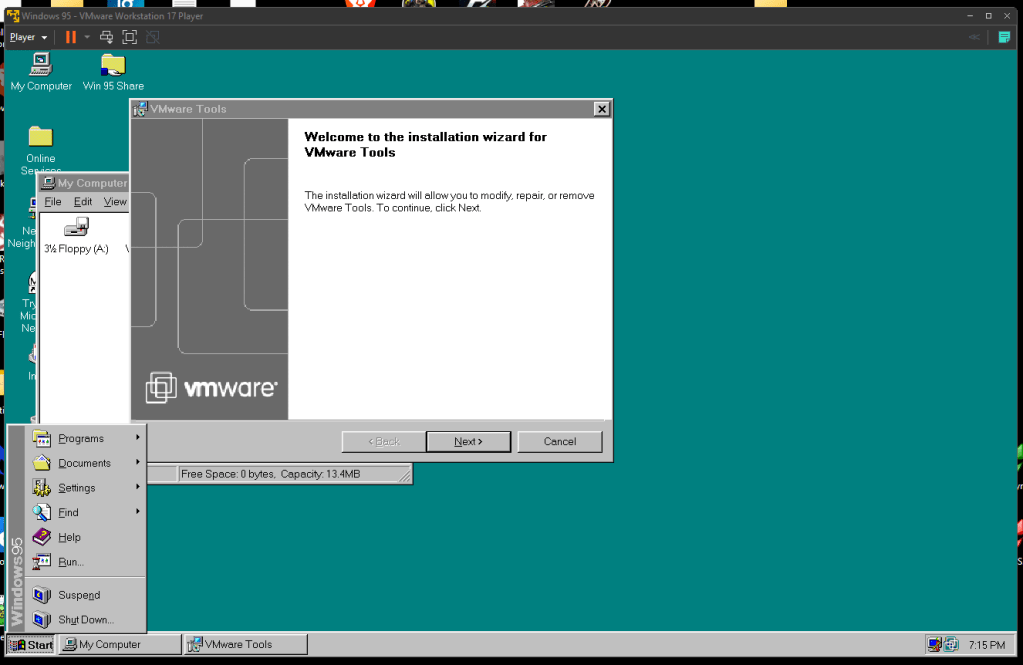
Neither VM Ware nor VirtualBox typically support MIDI or Windows 98 display requirements without significant effort. A midi emulator can be enabled in VM Ware and Windows 95 has a working display driver. Neither directly solve the problems, and both are some trouble to setup.

Windows 95 working very well in VM Ware Workstation Player 17

Emulation

I have all of these emulation options set up at home. I strongly prefer 86Box.

86Box

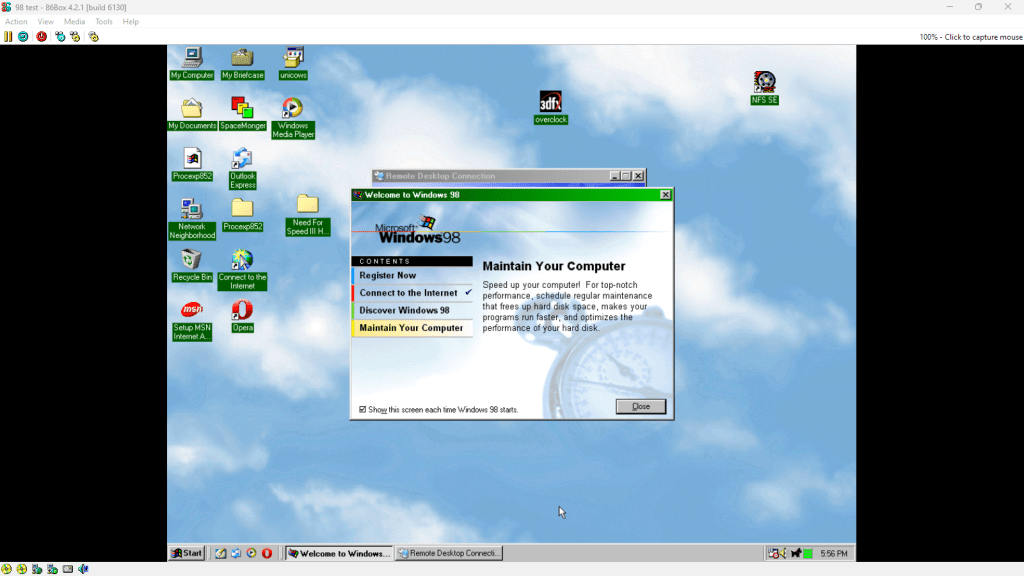
Windows 98 Running in 86Box

The most accurate emulation available is probably 86Box. 86Box attempts to fully emulate the original hardware. This is especially useful for software development, and for very picky old programs. Other options can run faster, though.

Do to the poor performance of full emulation, I recommend emulating:

  • Pentium or Pentium MMX @ 200Mhz or less.
  • 196MB RAM
  • Voodoo 2
  • SoundBlaster 16 (PnP)

you can work on it from there.

QEMU

Windows 98 running on QEMU

QEMU is made to run operating systems designed for almost any type of hardware. It is more focused on speed than 86Box, though.

QEMU can be the most difficult to use, but it can also be the fastest. It runs a lot like a virtual machine. Not limiting the CPU speed, and using “virtual hardware”. So there is much less overhead in emulating peripherals, like sound & video cards.

Setup Guides

QEMU – Wikibooks Computer Newb

DOSBox

While a bit difficult to use, DOSBox has decent performance.

DOSBox-X

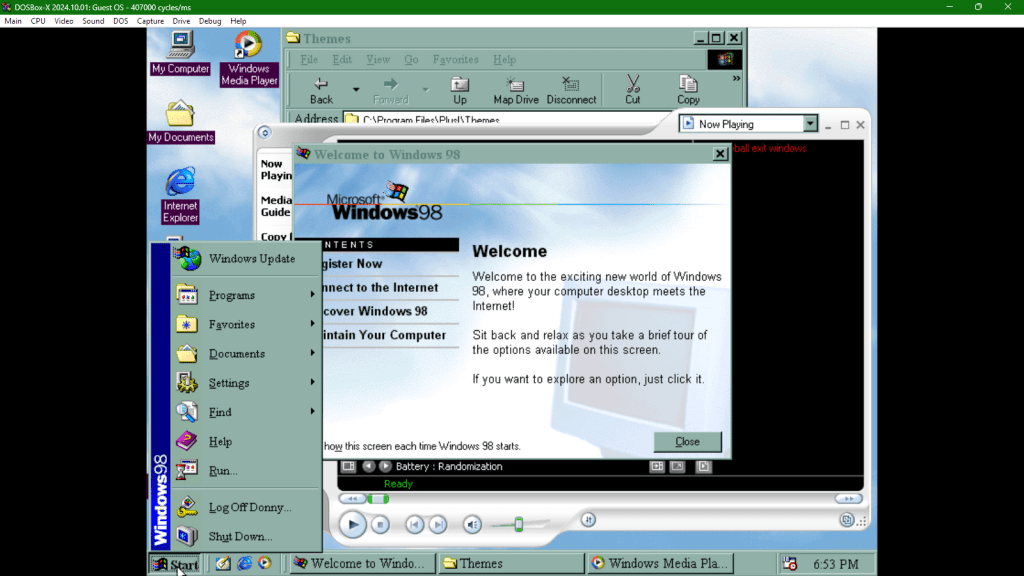
Windows 98 running on DOSBox-X

I personally use DOSBox-X because it is easier to use.

PCem

Windows 98 Running on PCem v17

86Box is derived from PCem. PCem can be faster, and easier to use. It is less accurate though, if that matters to you.

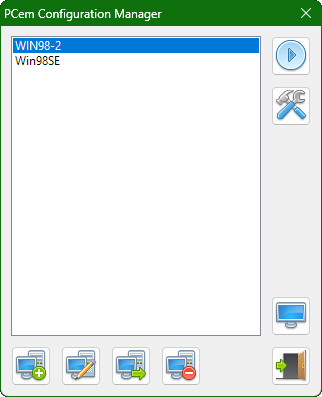
PCem Machine Select Screen

PCem has been abandoned by it’s developer. No new versions are expected. Version 17 from January of 2022 is the last one.

Hardware

CPU & Motherboard/Planar

Windows 98 requires a i486 DX2/66 processor, or better. I would recommend a Pentium MMX or better. Pentium Pro may have some performance issues do to a change in register behavior from then on. Pentium III and Pentium 4 systems often support Windows 98.

While Windows 98 can be forced to run on an i386, this may be unstable. It is certainly undesirable. Socket 775 systems (Core 2) can sometimes run Window 98, but they aren’t usually designed for it.

Video Card

Voodoo2 or Voodoo3 or newer

Sound Card

Sound Blaster 16 (PnP) – Recommended for high compatibility.

Modern hardware

ITX-LamaVogons Post